Digital business card with QR
A free business card that brings your details together in one link
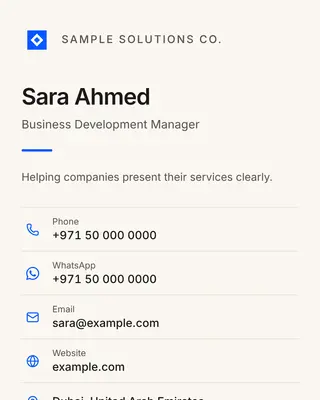
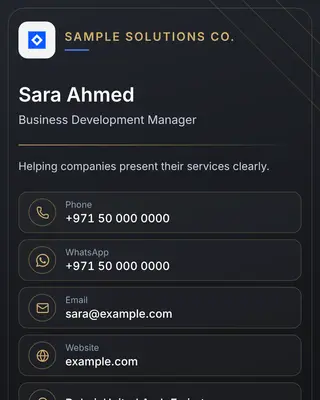
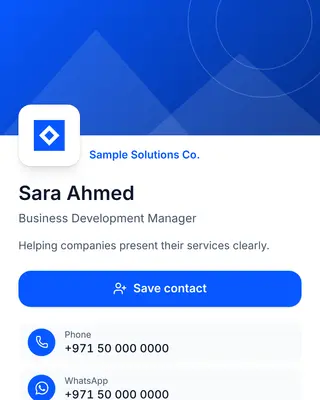
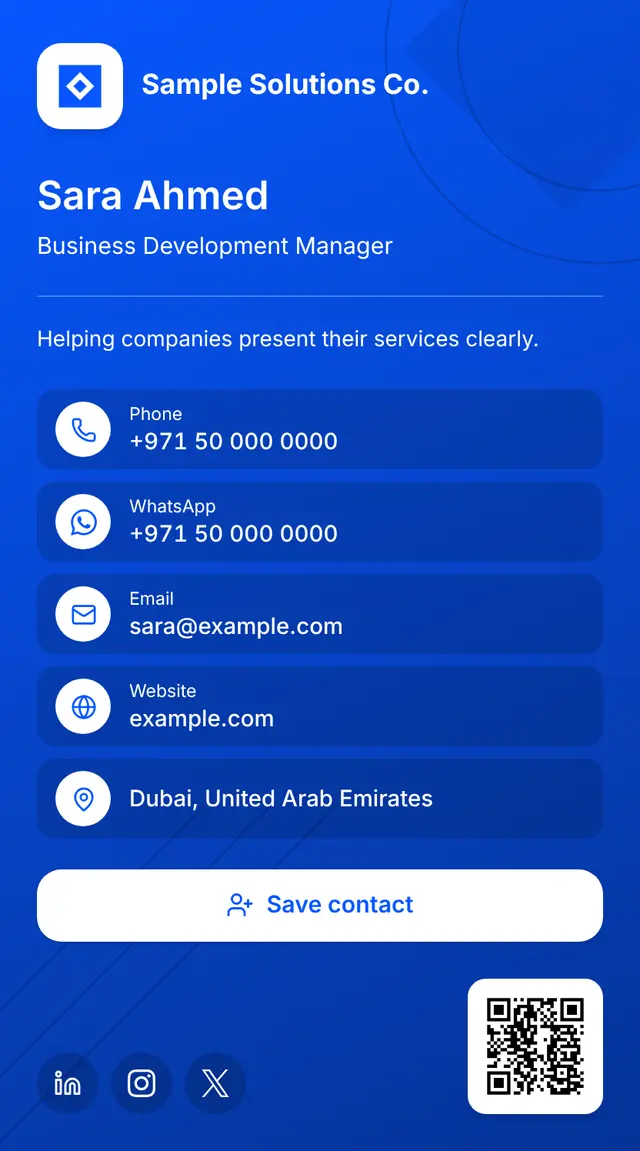
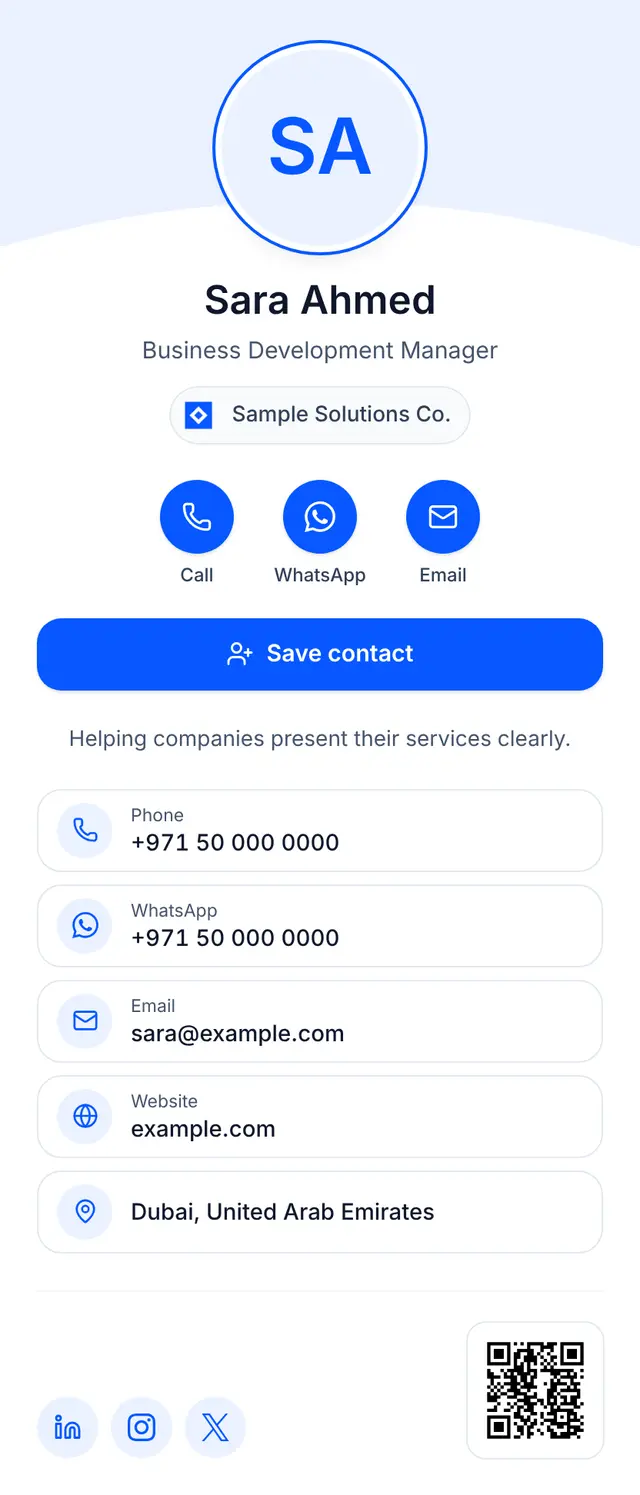
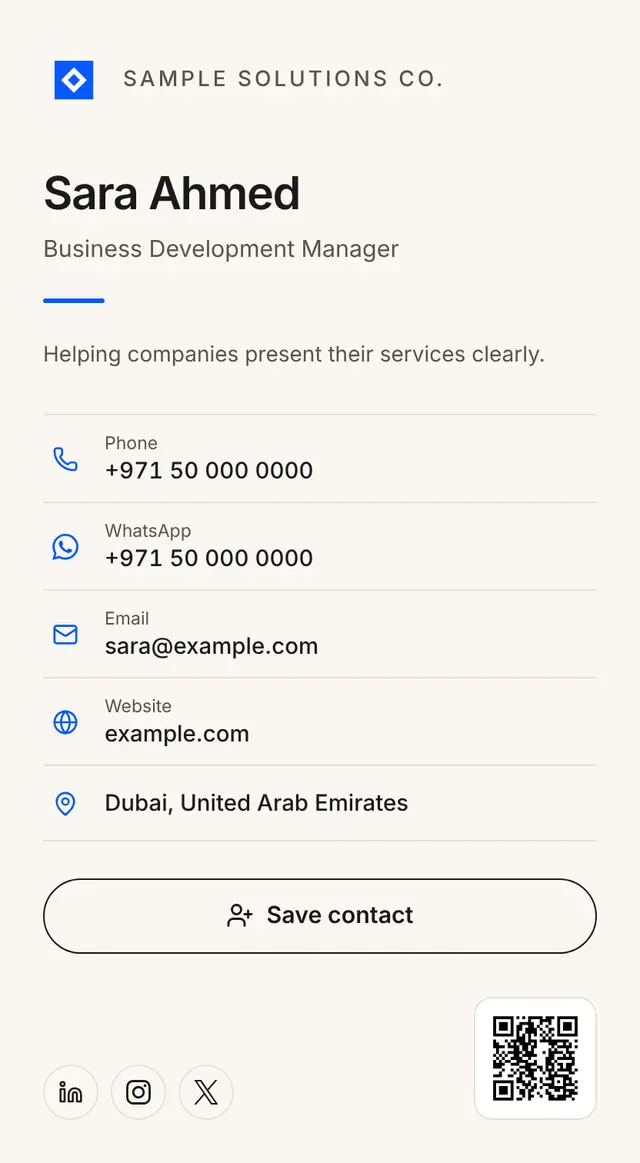
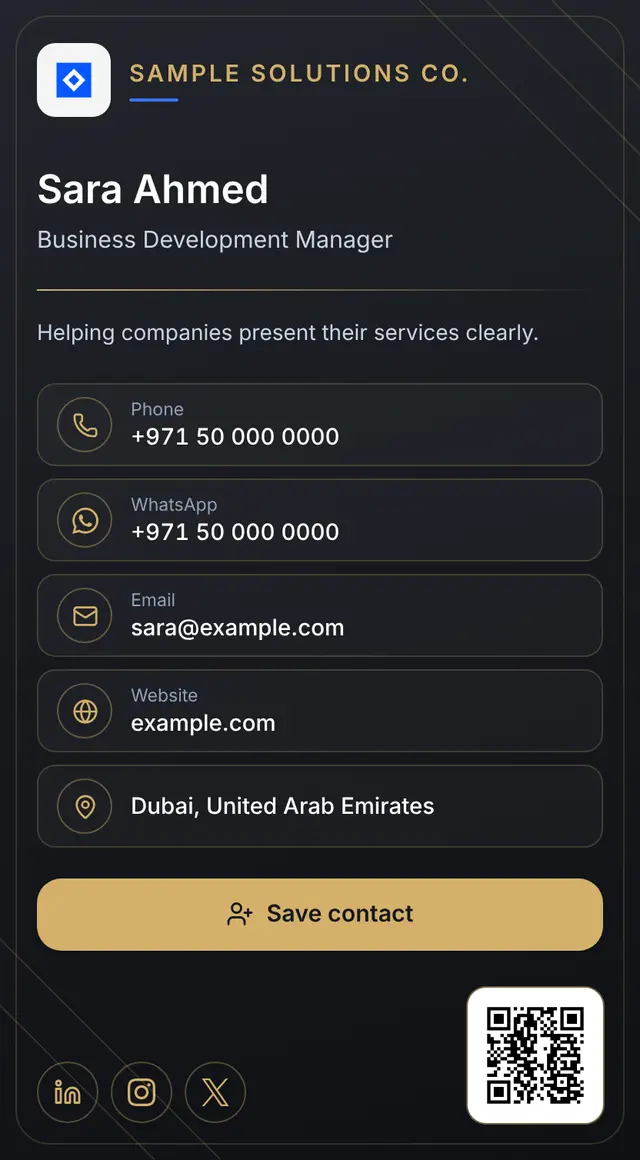
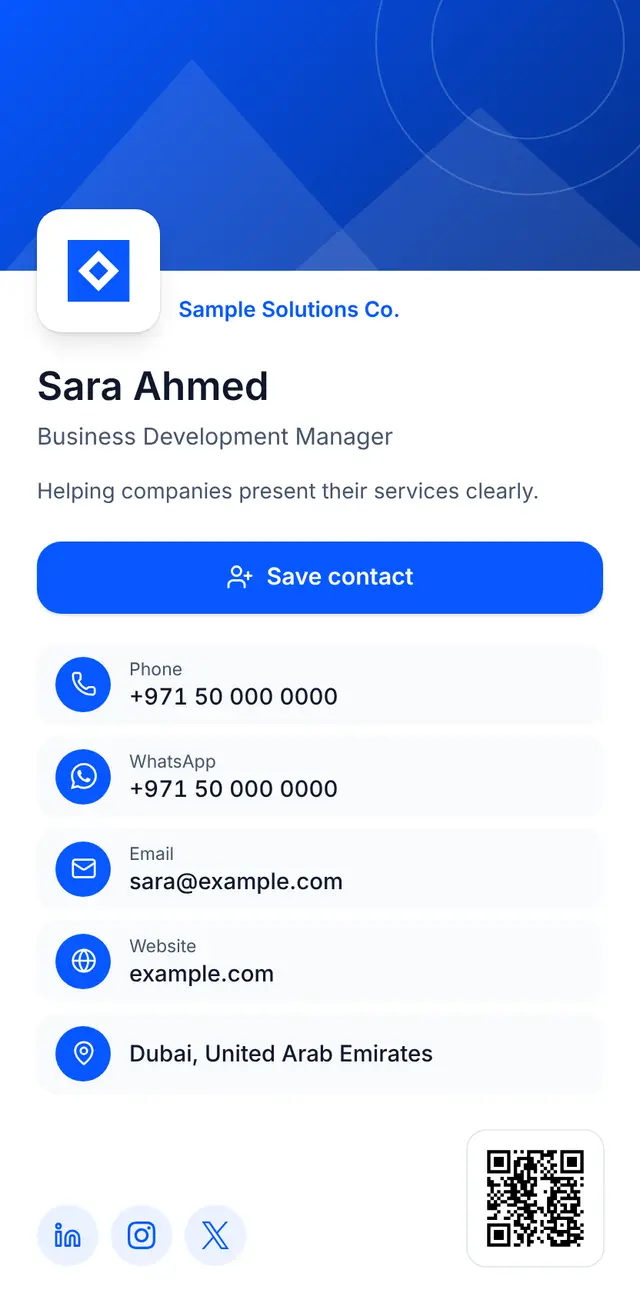
A digital business card that shows your name or your company, your contact details and links on one clean page. Share it with a link or a QR code, and anyone who opens it can save you to their contacts in one tap.
Everything your business card needs, in one place
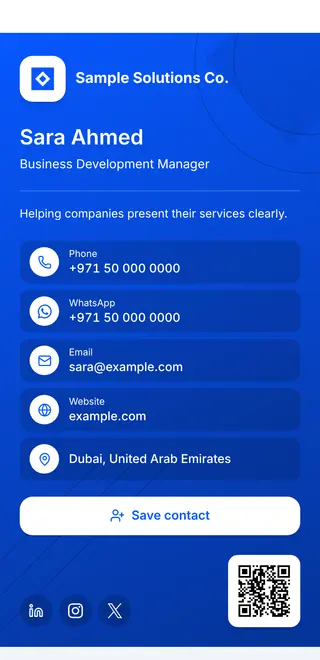
One digital business card instead of paper cards, opening on any phone without an app.
-
Company or personal details
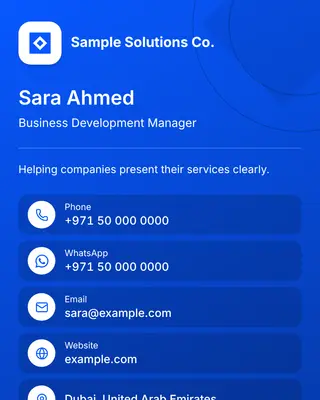
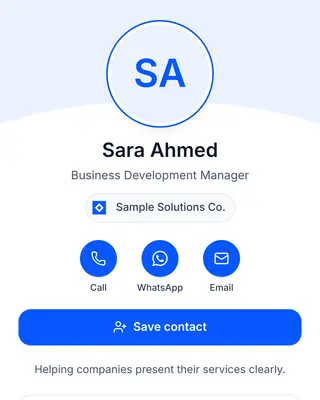
Name, job title, logo and a short bio, for a person’s card or for the company’s own card.
-
Contact channels and links
Phone, WhatsApp, email, website, address, map and social profiles, all one tap away.
-
Downloadable QR code
A QR code in PNG and SVG for printing on paper cards and materials; it opens your card directly.
-
Save contact
A button that saves your details to the phone’s contacts with a standard contact file, no typing needed.
-
Arabic and English
Your card is shown in Arabic or English, and it can carry both languages.
-
Update without a new link
Edit your details or change the template and the link and QR code stay the same, so nothing needs reprinting.
How it works
We prepare every card by hand to make sure its details are right before it goes live.
-
Step 1: Send your details and request
Fill in the form on this page with your name, a way to reach you and the kind of card you want.
-
Step 2: We prepare your card and review it
We contact you for any details we still need, then prepare your card and review it before publishing.
-
Step 3: You get your card link and QR code
We send you your card’s permanent link and its QR code so you can start sharing it.
A quick guide to using your card
Three ways for the people you meet to reach your details.
-
Share the link
Copy your card link and send it on WhatsApp or by email, or add it to your email signature and profiles.
-
Use the QR code
Print the QR code on your paper card or materials, or show it on your screen; a phone camera is all it takes to open your card.
-
Save the contact
Anyone who opens your card taps “Save contact” to download a contact file their phone adds to its contacts.
Frequently asked questions
Is the card really free?
Yes. Requesting and preparing a card is free at the moment, and we never ask for payment details.
Does it work for a company and its employees?
Yes. You can request a card for the company itself, showing its name, logo and contact details, and cards for its employees, each with their own name and job title.
How do I update my details after the card is issued?
Send us the change you need; we update the card and the change shows on the same link.
Do the link or QR code change when I update my card?
No. The link is permanent and the QR code holds only that link, so both keep working after you edit your details or change the template.
Which languages are supported?
Arabic and English. A card can be in one language or in both.
Does anyone need an app to open my card?
No. Your card is a web page that opens in the browser of any phone or computer, and saving the contact uses a standard contact file that phones open.
When will my card be ready?
We review requests and prepare cards by hand, and contact you once we have reviewed yours. Cards are never issued automatically when a request is sent.
Request a free business card
Send us your basic details and we will contact you to finish preparing your card.
- We review every request and prepare each card by hand; no card is issued automatically when you send this form.
- We use these details only to contact you about your request and prepare your card, and nothing is published without your consent.